Early build · sharing with friends first

Your AI made edits.
Now review them.

Stet is a document editor where AI suggests changes like a colleague would. You decide what stands. Plain markdown, on your machine, with a real review flow built in.

Download for Mac

Early test build · macOS · feedback comes straight to me

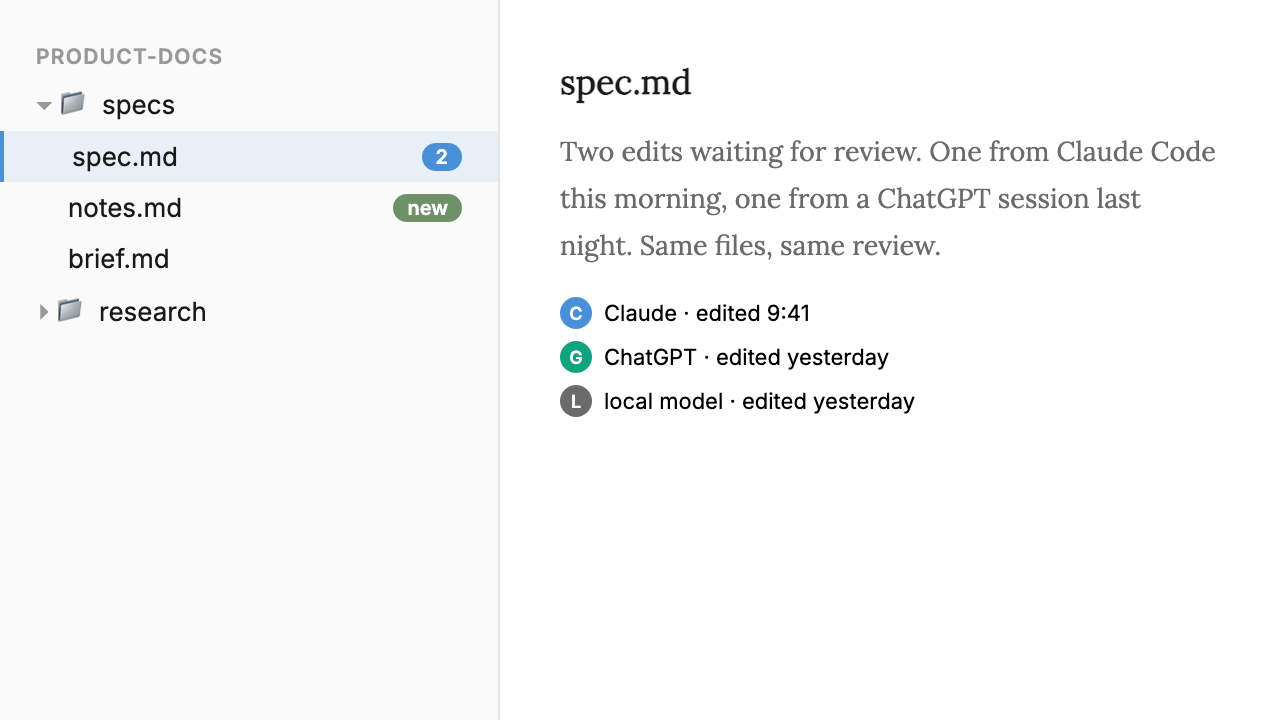
Stet editor showing a product spec with inline change marks and a sidebar listing edits from Claude, Drew, and an AI cleanup branch

Why I built this

Hi, I'm Drew. I write a lot of documents as a PM. Specs, RFCs, briefs, notes, ideas, whatever. For the last year I've been doing most of that writing with Claude. I'll start a draft and have it cleaned up. Or I'll have a thought and ask it to find the right file and slot the new spec in. That kind of thing.

I'd draft with Claude. Open the file in Typora because it's the only editor I actually like reading prose in. Jump into Cursor or VS Code when I needed to see what changed between versions, because that was the only place I could get a real diff. So I built something to try and do it all in one place.

What it actually does

You point Stet at a folder of markdown files on your machine. From there, three things happen in one window.

A calm editor. Clean typography, no toolbars, no distractions. Plain markdown, sitting in a normal folder. If you stopped using Stet tomorrow, the files would just be there, readable by anything.

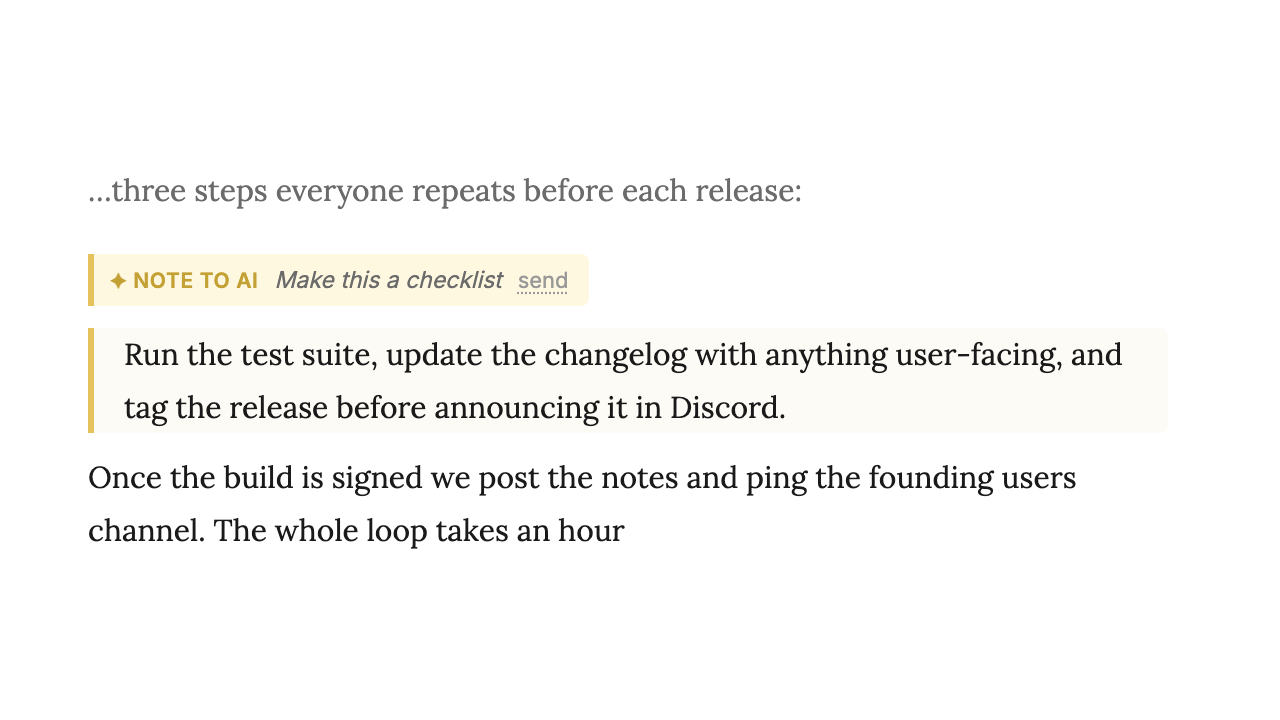
A review sidebar. When you, an AI agent, or a coworker edits a doc, the changes show up as cards. Accept, reject, or tweak, one paragraph at a time. Nothing edits your document behind your back.

A real history. Every change is attributed and reversible. Git is doing the work underneath, but you never touch a terminal.

Plain markdown means Claude can find, skim, and edit your files directly. Try doing any of that with a Google Doc.

Same goes for Cursor, ChatGPT, or any other agent. Stet doesn't ship its own chat panel or charge for tokens. You just point your AI at the folder.

How I'm actually using it

Bulk-editing Confluence

I wrote a script to pull all our Confluence docs into a folder of markdown files. From there I can review and edit them in bulk with Claude.

Drafting user guides

Our user guides live on GitBook. For new features, I have Claude review the changes and draft the doc updates. I review and edit those before they ship.

A personal LLM wiki

I've been making a lot of these, Andrej Karpathy LLM-wiki style: I dump raw notes into a folder, Claude organizes them into interlinked pages.

A note on this build

I started, and still mostly am, building Stet just for myself. But it's proven useful enough that I want to test if I can productize it. Expect rough edges, occasional bugs, missing features.

That's why you're getting it. Tell me what's confusing, broken, or what you wish it did. Blunt feedback is the most useful kind. There's a feedback button in the app, or just text or email me.

Try it.

Download it, point it at a folder of markdown, and let an agent loose on a doc. See how the review flow feels.

Download for Mac

macOS build · early test version · feedback goes straight to me